NotionNotion
Verbindungs-Icon

Splunk

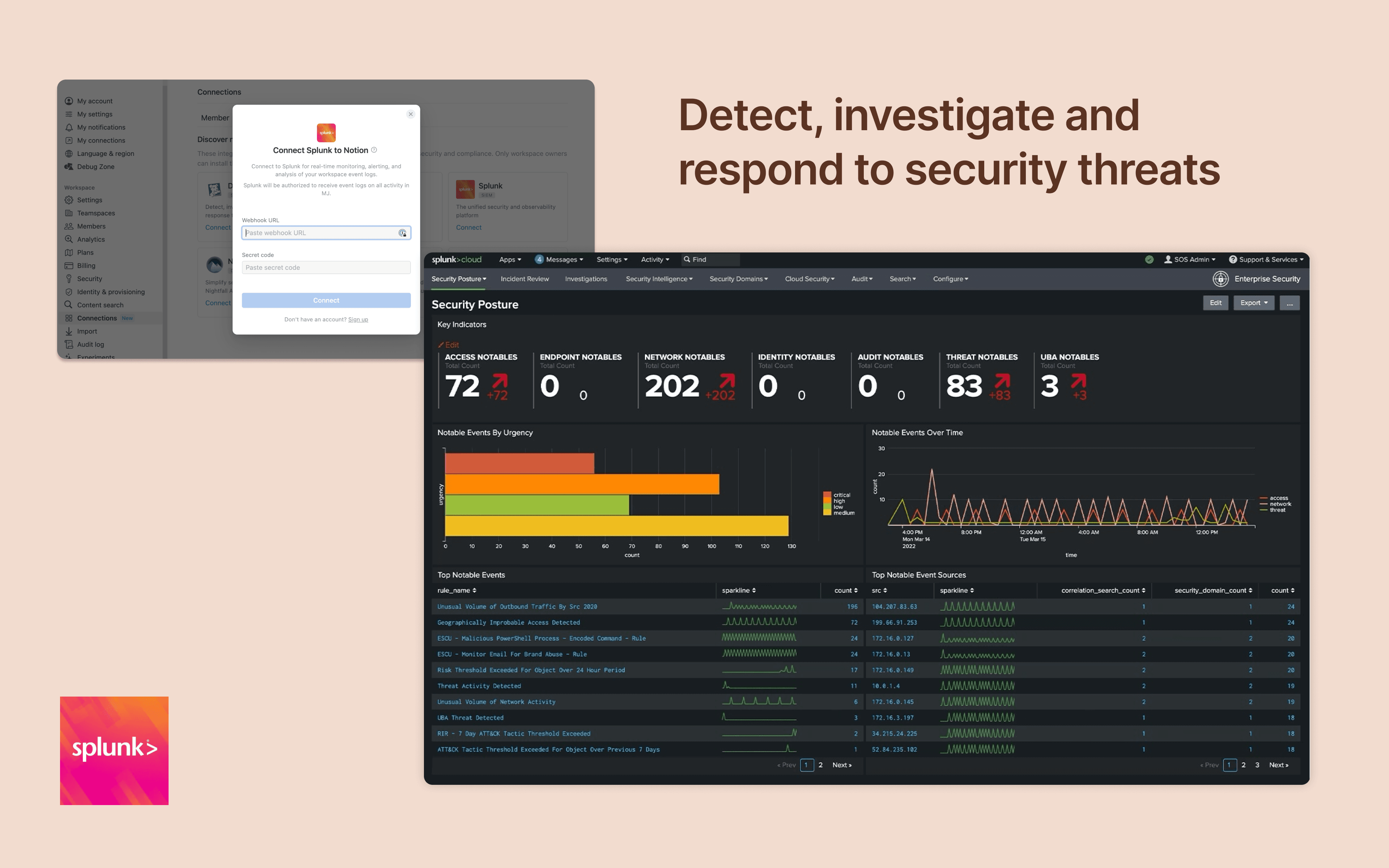
Monitor and analyze your Notion logs from Splunk
  • Workspace-Ereignisse
Monitor and analyze your Notion logs from Splunk

Info

Integrate Notion workspace logs into Splunk, giving security teams more oversight and insight into workspace activity. Set up popular detections and dashboards inside Splunk for easy monitoring and alerting at scale.

Informationen zur Nutzung

Only Notion Connections can install this integration as part of the Notion Enterprise plan.

  1. Log in to your Splunk instance

  2. Navigate to the Search & Reporting Settings

  3. Under the Data section → HTTP Event Collector

  4. Locate the desired HEC configuration and click on its name (or create a new one)

  5. On the configuration page, you should find the HEC URI and HEC token

You can find additional instructions in Splunk's documentation

Details

Erstellt von

Kategorie
  • Sicherheit und Compliance
Links für Entwickler/-innen
Alle hier erwähnten Marken von Drittanbietern (einschließlich Logos und Icons) sind Eigentum der jeweiligen Inhaber/-innen. Sofern nicht ausdrücklich als „Erstellt von Notion“ gekennzeichnet, werden Verbindungen von Notion weder unterstützt noch verwaltet. Die Produkte oder Dienste von Drittanbietern, mit denen Verbindungen verbunden sind, sind keine Notion-Anwendungen (gemäß der Definition im Abo-Rahmenvertrag von Notion oder den Persönlichen Nutzungsbedingungen, je nachdem, was zutrifft). Indem du eine Verbindung aktivierst oder die Notion-Connection-Galerie anderweitig nutzt, akzeptierst du die Bedingungen für die Connection-Galerie von Notion.

Powered by Fruition