NotionNotion
Icon of connection

Notion AI Connector for Outlook

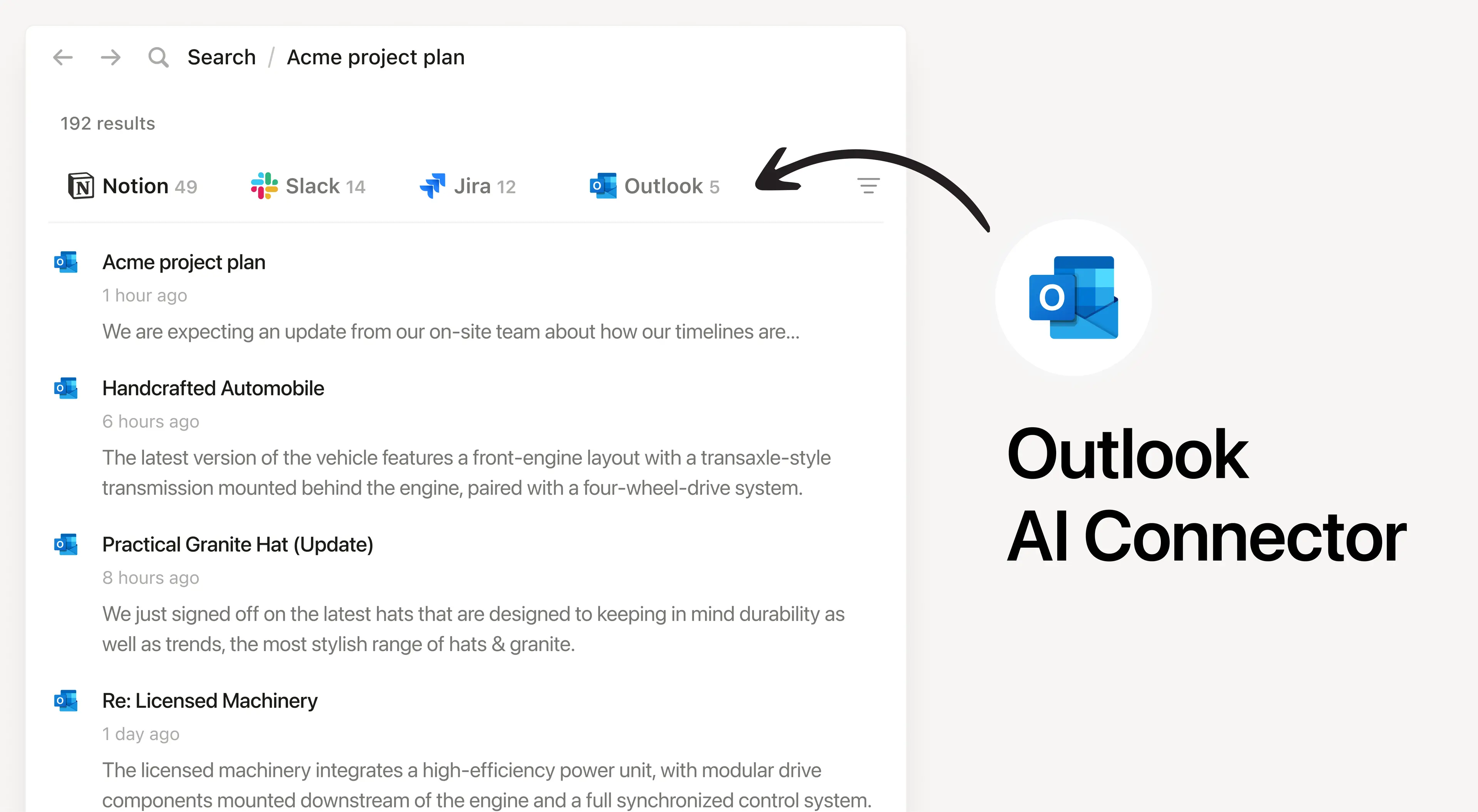
Search your Outlook inbox from Notion

About

Install Notion’s AI Connector to your Outlook Mail account. Easily find and summarize email threads, search your inbox with natural language, and access important communications without leaving Notion.

How to use

Must be a Notion workspace owner on the Enterprise plan and a Microsoft 365 Admin to connect.

In Notion, navigate to the Outlook AI Connector by going to SettingsNotion AIAI ConnectorsOutlook and follow the setup steps. You’ll be taken to Microsoft to continue.

For detailed instructions, check out our Help Center.

After installation is complete, ask Notion AI to summarize recent emails from a specific sender or search for emails about a particular topic for quick access.
Details

Made by
Category
  • Colaboración
  • Productividad
Developer links
All third party trademarks (including logos and icons) referenced herein are the property of their respective owners. Unless specifically designated as Made by Notion, connections are not supported or maintained by Notion. The third party products or services that connections connect to are Non-Notion Applications (as defined in Notion’s Master Subscription Agreement or Personal Terms of Use, as applicable). By enabling any connection or otherwise using the Notion Connection Gallery, you agree to Notion’s Connection Gallery Terms.

Powered by Fruition