NotionNotion
Icône de connexion

Splunk

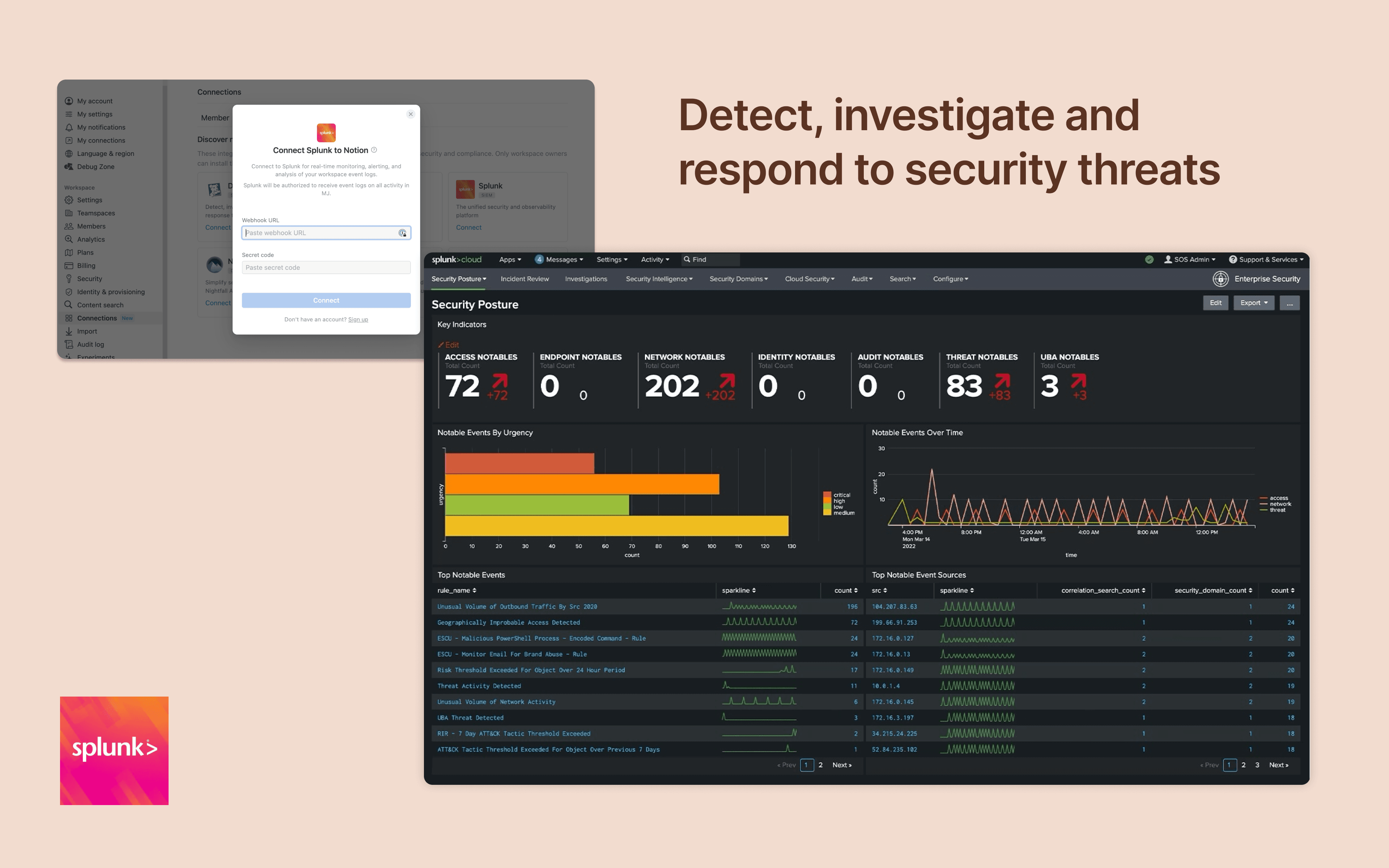
Monitor and analyze your Notion logs from Splunk
  • Événements de l’espace de travail
Monitor and analyze your Notion logs from Splunk

À propos

Integrate Notion workspace logs into Splunk, giving security teams more oversight and insight into workspace activity. Set up popular detections and dashboards inside Splunk for easy monitoring and alerting at scale.

Comment utiliser l’intégration

Only Notion Connections can install this integration as part of the Notion Enterprise plan.

  1. Log in to your Splunk instance

  2. Navigate to the Search & Reporting Settings

  3. Under the Data section → HTTP Event Collector

  4. Locate the desired HEC configuration and click on its name (or create a new one)

  5. On the configuration page, you should find the HEC URI and HEC token

You can find additional instructions in Splunk's documentation

Détails

Créée par

Catégorie
  • Sécurité et conformité
Liens pour les développeur·euses
Toutes les marques tierces (y compris les logos et icônes) mentionnées dans les présentes sont la propriété de leurs propriétaires respectifs. Sauf mention explicite Créée par Notion, les connexions ne sont ni prises en charge ni maintenues par Notion. Les produits ou services tiers auxquels les connexions se connectent sont des applications qui n’appartiennent pas à Notion (telles que définies dans le Contrat-cadre d’abonnement ou les Conditions d’utilisation personnelles de Notion, selon le cas). En activant toute connexion ou en utilisant de toute autre manière la Galerie des connexions de Notion, vous acceptez les Conditions de la Galerie des connexions de Notion.

Powered by Fruition