NotionNotion
סמל חיבור

Splunk

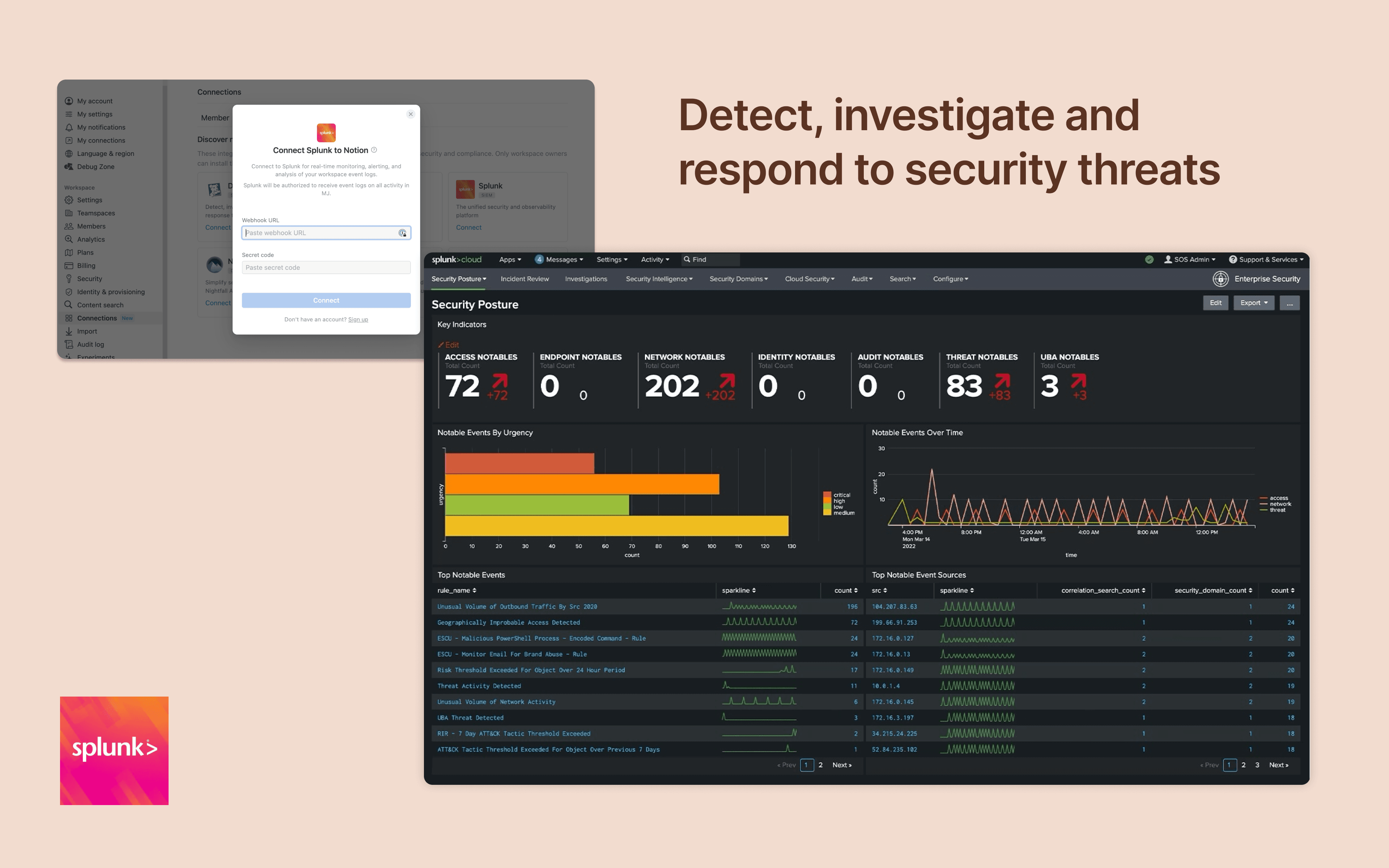
Monitor and analyze your Notion logs from Splunk
  • אירועים בסביבת העבודה
Monitor and analyze your Notion logs from Splunk

מידע

Integrate Notion workspace logs into Splunk, giving security teams more oversight and insight into workspace activity. Set up popular detections and dashboards inside Splunk for easy monitoring and alerting at scale.

הוראות שימוש

Only Notion Connections can install this integration as part of the Notion Enterprise plan.

  1. Log in to your Splunk instance

  2. Navigate to the Search & Reporting Settings

  3. Under the Data section → HTTP Event Collector

  4. Locate the desired HEC configuration and click on its name (or create a new one)

  5. On the configuration page, you should find the HEC URI and HEC token

You can find additional instructions in Splunk's documentation
פרטים

נוצר על ידי
קטגוריה
  • אבטחה ותאימות
כל הסימנים המסחריים של צד שלישי (כולל לוגואים וסמלים) המוזכרים כאן הם רכוש של הבעלים שלהם. אלא אם כן צוין במפורש כי החיבורים מיוצרים על ידי Notion, הם אינם נתמכים או מתוחזקים על ידי Notion. המוצרים או השירותים של צד שלישי שהחיבורים מתחברים אליהם אינם יישומים של Notion (כפי שמוגדר‏ בהסכם המינוי הראשי של Notion או בתנאי השימוש האישיים, לפי הרלוונטי). הפעלת כל חיבור או שימוש אחר באוסף החיבורים של Notion מהווים את הסכמתכם לתנאי אוסף החיבורים של Notion.

Powered by Fruition