About
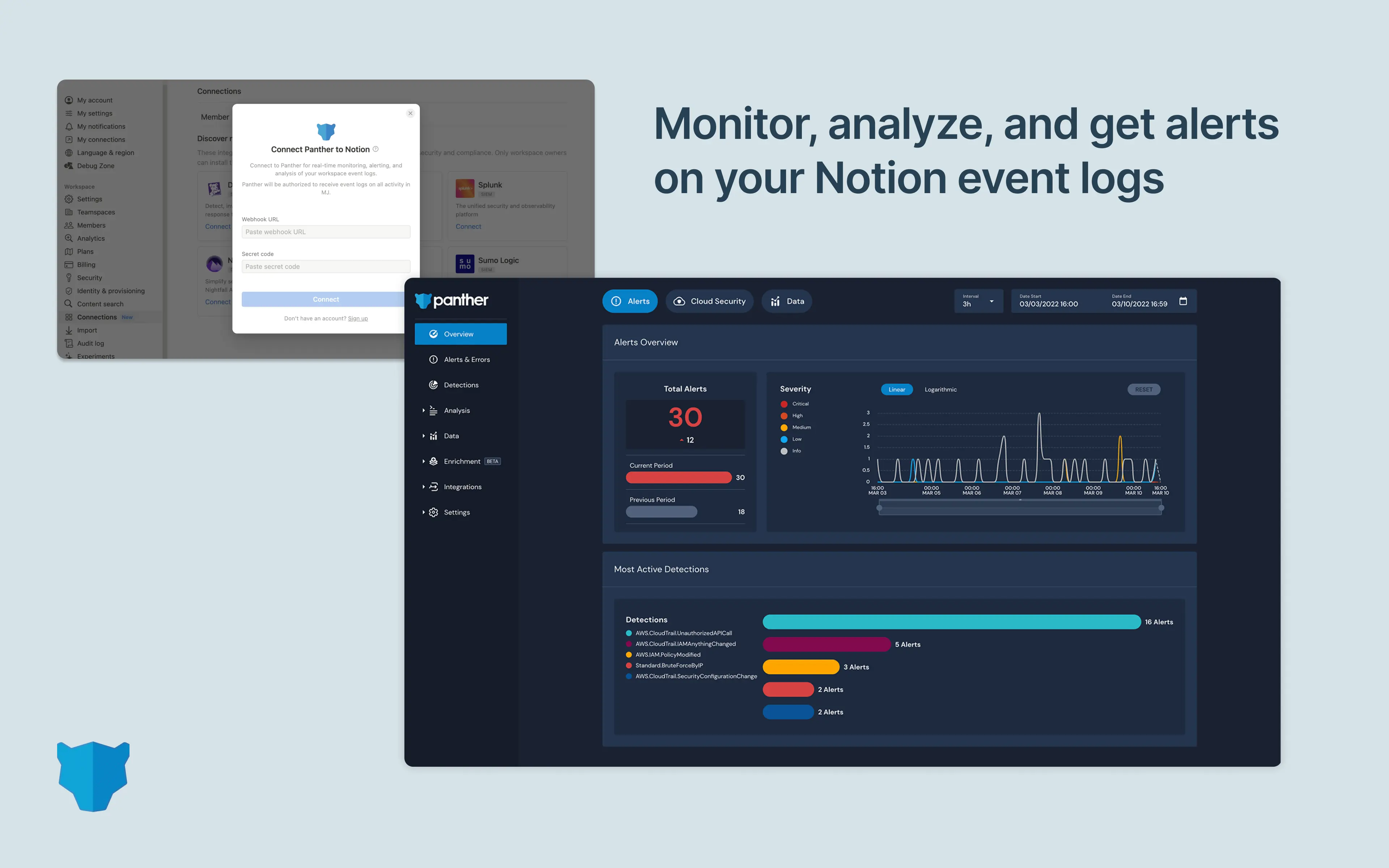
Panther monitors your environment through log ingestion and real-time monitoring. With this integration, you can start ingesting your Notion audit/activity logs to Panther with a couple of clicks and seamlessly start monitoring your Notion environment using Panther’s out of the box detection pack. Out of the box detections keep your security team in the loop if anything suspicious happens, like unusual login activity, data exfiltration, admin changes, and more. If Panther detects a potential threat like these in your Notion logs, your security team receives an alert, enabling them to easily investigate related activity with Panther’s fast search tools and ensure Notion remains secure.
How to use
Only Notion Workspace Owners can install this integration as part of the Notion Enterprise plan.
In the left-side navigation bar of your Panther Console, click Configure > Log Sources.
Click Create New.
Search for “Notion,” then click its tile.
In the slide-out panel, the Transport Mechanism dropdown in the upper-right corner will be pre-populated with the HTTP option.
Click Start Setup.
See more detailed implementation instructions in Panther's Help Center.