Notion
Nightfall AI
- 콘텐츠 수정
정보
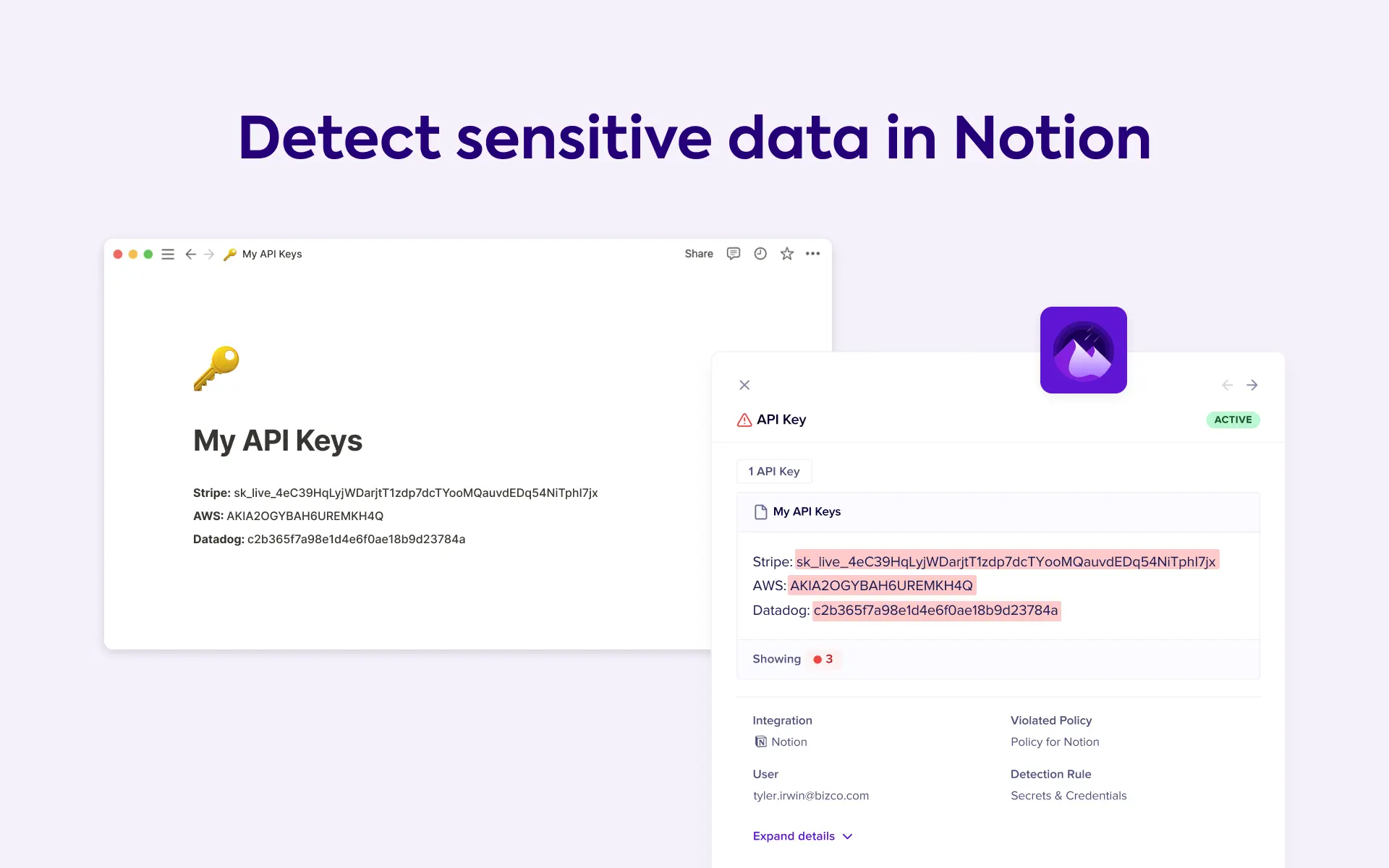
Nightfall for Notion is the first complete AI-native data leak prevention platform that stops sensitive data such as PHI, PII, secrets, and keys from leaking to Notion pages. With industry-leading AI-based detectors, you can automatically detect 150+ types of PII, credentials & secrets including API keys. Nightfall ensures compliance with leading industry standards, such as ISO-27001, SOC 2, HIPAA, and more.
사용 방법
Learn more about this integration by visiting Nightfall AI or Nightfall's Help Center.
How to install:
Log in to your Notion account.
Switch to the Workspace that you wish to add to Nightfall.
Click Settings and members in the left pane.
Click Connections under the Workspace menu.
Click the Workspace tab.
Click Connect on the Nightfall widget.
Click Connect to Nightfall.
A pop-up will appear that will be logged into your Nightfall instance. Click Connect.