NotionNotion
Ícone de conexão

Splunk

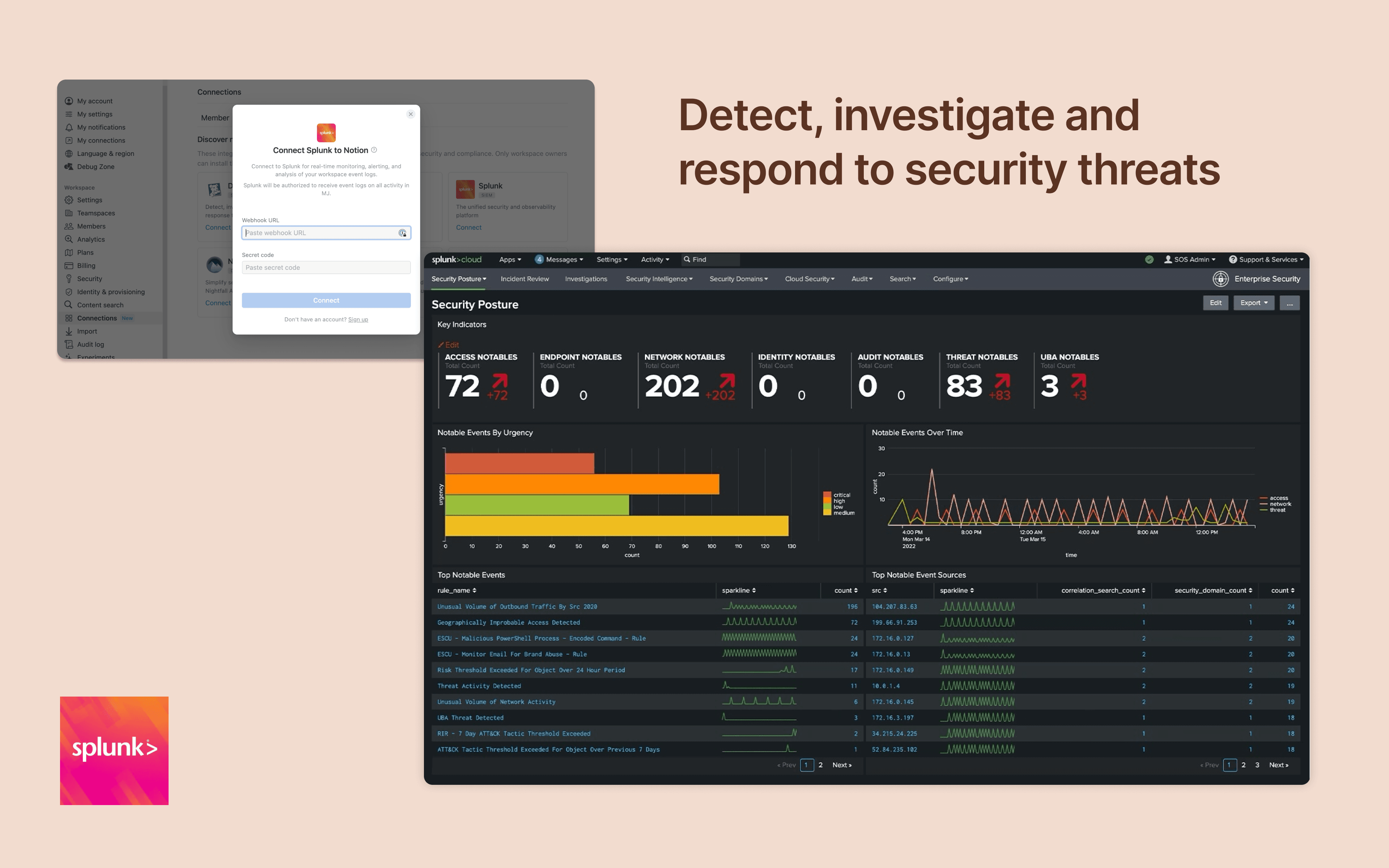
Monitor and analyze your Notion logs from Splunk
  • Eventos de espaço de trabalho
Monitor and analyze your Notion logs from Splunk

Mais informações

Integrate Notion workspace logs into Splunk, giving security teams more oversight and insight into workspace activity. Set up popular detections and dashboards inside Splunk for easy monitoring and alerting at scale.

Como usar

Only Notion Connections can install this integration as part of the Notion Enterprise plan.

  1. Log in to your Splunk instance

  2. Navigate to the Search & Reporting Settings

  3. Under the Data section → HTTP Event Collector

  4. Locate the desired HEC configuration and click on its name (or create a new one)

  5. On the configuration page, you should find the HEC URI and HEC token

You can find additional instructions in Splunk's documentation
Detalhes

Desenvolvida por
Categoria
  • Segurança e conformidade
Links do desenvolvedor
Todas as marcas registradas de terceiros (incluindo logotipos e ícones) aqui mencionadas pertencem aos seus respectivos proprietários. Exceto se especificamente designadas como “Criada pelo Notion”, as conexões não têm suporte nem são mantidas pelo Notion. Os produtos ou serviços de terceiros com os quais as conexões são usadas são Aplicativos de Terceiros (conforme definido no Contrato Principal de Assinatura ou nos Termos de Uso Pessoal, conforme aplicável). Ao habilitar qualquer conexão ou usar a Galeria de Conexões do Notion de outra forma, você concorda com os Termos da Galeria de Conexões do Notion.

Powered by Fruition