Notion
Notion AI Connector for Jira
About
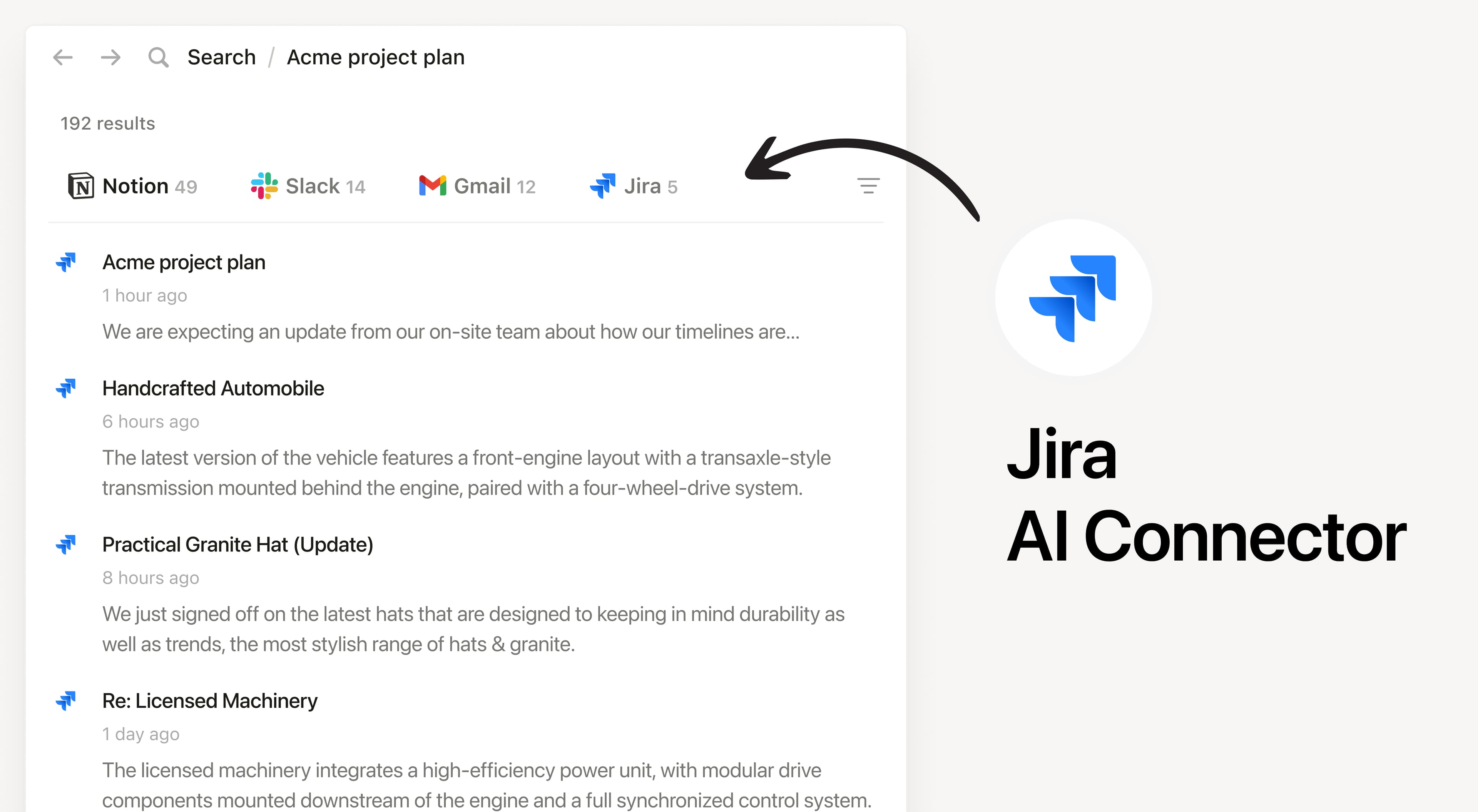
Install Notion’s AI Connector to your Jira site. Available for Jira Cloud products. Easily find information about team priorities, status updates, and tasks within the Jira projects, issues, and comments that you have access to without having to leave Notion.
How to use
Must be a Notion workspace owner on the Business or Enterprise plan and Jira Admin to connect.
In Notion, navigate to Jira AI Connector by going to Settings → Notion AI → AI Connector → Jira and follow the setup steps. You'll be taken to Jira to continue.
For detailed instructions, check out our Help Center.
After installation is complete, ask Notion AI to provide summarize the recent updates on a project in Jira or ask why a feature isn’t working as expected for troubleshooting.