簡介
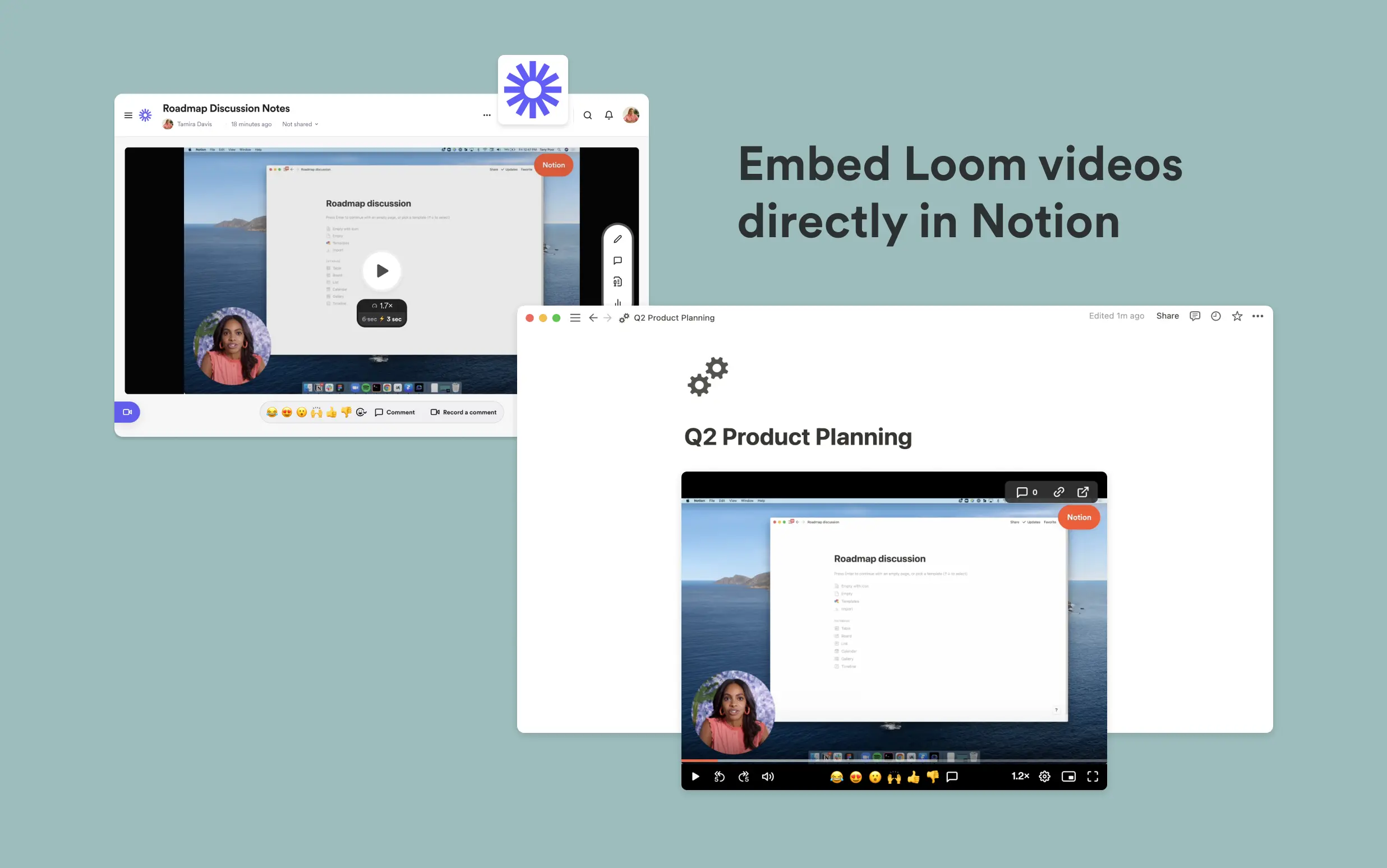
Loom lets you record your screen and camera to explain concepts visually in a fraction of the time. Notion’s integration with Loom allows you to embed Loom videos directly into Notion, making it easier to keep information in one place and keep your team up to date with everything that’s going on.
使用方式
Paste any Loom link into Notion, then select
Embed Loom. You can also type/loomin any Notion page - a field will come up that allows you to paste Loom linksEnsure your Loom video has the right access permissions before embedding it into Notion. Loom embeds work with any shareable links. You can adjust privacy settings in Loom’s
Sharemenu