簡介
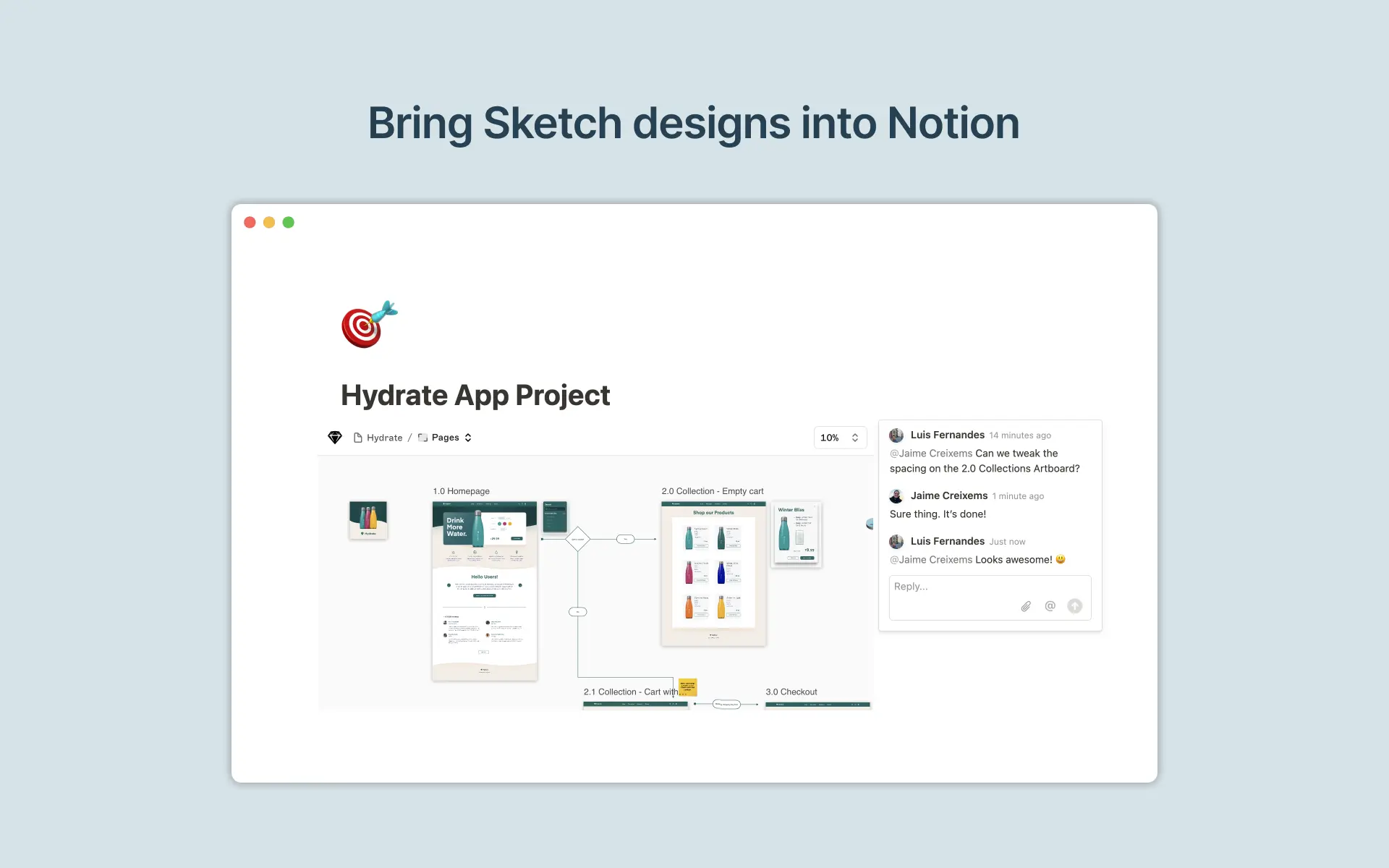
In Sketch, you can create, preview, prototype and hand off digital designs across multiple devices. With this integration, you can preview Sketch files in Notion, helping teams collaborate faster and stay up to date on the latest changes.
使用方式
Paste any Sketch link into Notion, then select
Create embed. You can also type/sketchinto a Notion page - a field will come up that allows you to paste Sketch linksPlease note the Sketch embed only works with Sketch links that have public link access enabled