簡介
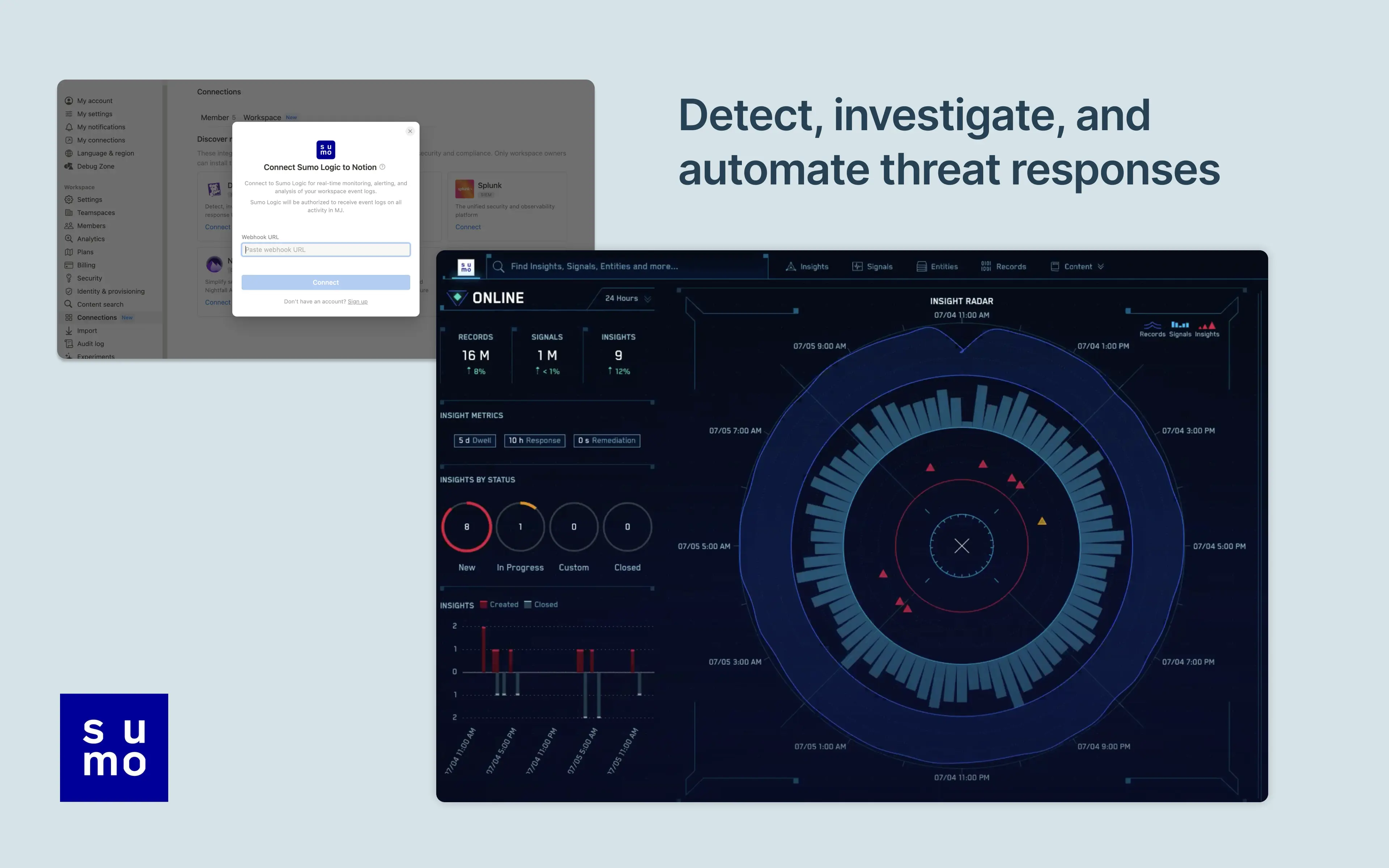
Notion's integration with Sumo Logic allows users to manage and monitor their Notion workspace activity in their Sumo Logic Cloud SIEM. Install the integration to import your workspace's audit logs for real-time monitoring, alerting, and analysis. From there, users can detect and investigate potential security issues, suspicious behavior, and troubleshoot access with confidence and ease.
使用方式
Only Notion Connections can install this integration as part of the Notion Enterprise plan.
Log into your Sumo Logic instance
Click
Manage Data>CollectionNavigate to
Setup Wizardand clickGet StartedWhen presented with Data Type, click
Your Custom App>HTTPS SourceCopy the
HTTP Source URLinto Notion settings
You can find additional instructions in Sumo Logic's documentation.