

Notionアカウントからログアウトにするには、どうすればよいですか
Notionアカウントからログアウトにするには、どうすればよいですか
サイドバーの左上にある現在のワークスペース名をクリックします。下までスクロールすると、自分のメールアドレスの横に ログアウト できるオプションがあります。
サイドバーにセクションが1つもありません。どうすれば表示されますか?
サイドバーにセクションが1つもありません。どうすれば表示されますか?
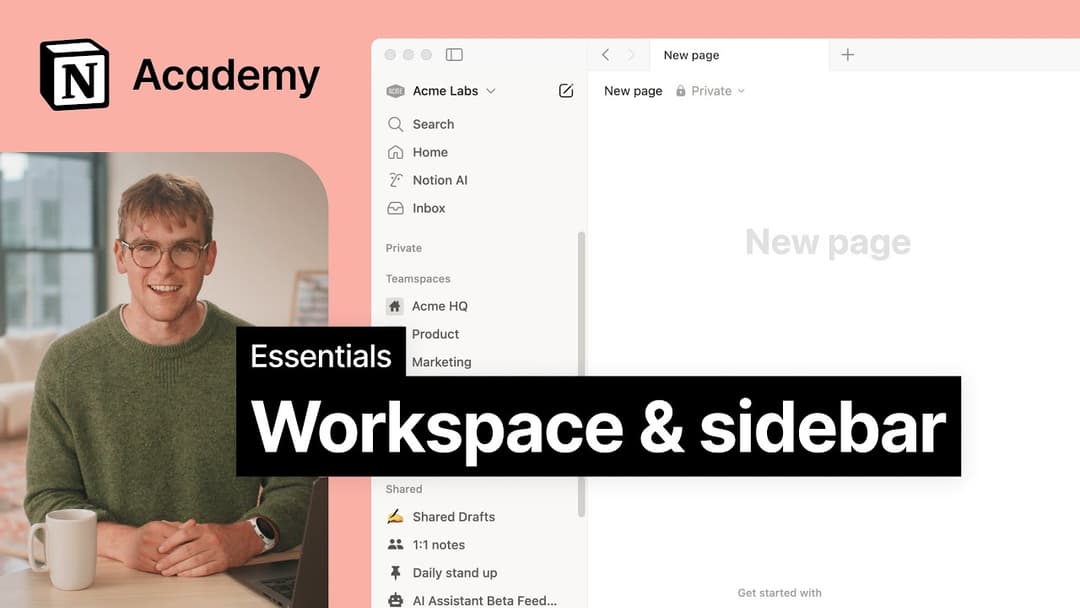
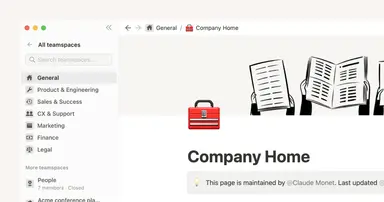
サイドバーのセクションは、他のユーザーとのコンテンツ共有の状況に応じて変化します。ワークスペース内に2名以上のユーザーがいる場合、そのユーザーとの共同作業のためにサイドバーに チームスペース セクションが表示されます。プライベート セクションは、自分だけに表示される個人用ページのためにあります。
Why don't I see a full-page Home anymore? Did you change the sidebar?
Why don't I see a full-page Home anymore? Did you change the sidebar?
Home changed from a full-page experience to a part of your sidebar, organized into sections like Recents, Favorites, Teamspaces, Agents, and more, that can be shaped to fit your workflow. This puts your workspace navigation, AI threads, and notifications in one consistent, customizable place.
What will I see if I'm on a Free or Plus plan, or if AI is turned off for my workspace?
What will I see if I'm on a Free or Plus plan, or if AI is turned off for my workspace?
Free and Plus plans: You'll see the full sidebar layout, including the AI chat tab. You can use Notion AI with your available free AI credits.
AI turned off (Enterprise/Business): The AI chat tab will not appear. Instead, you'll see a New button in its place to create pages and other content.