제품
Notion
나만의 AI 워크스페이스
Notion 캘린더
Notion 메일
Notion AI
업무용 AI 툴
에이전트
번거로운 작업 자동화하기
AI 노트
AI가 완벽하게 정리해 드립니다.
기업 통합 검색
즉시 답변을 찾을 수 있는 기능
지식 베이스
모든 지식을 한데 모은 허브
문서
간단하면서도 강력한 기능
프로젝트
어떤 프로젝트든 관리할 수 있는 툴
연결
앱 연결하기
보안
안전하고 확장 가능
AI
AI 기능
Notion AI
업무용 AI 툴
에이전트
번거로운 작업 자동화하기
AI 노트
AI가 완벽하게 정리해 드립니다.
기업 통합 검색
즉시 답변을 찾을 수 있는 기능
사용 사례 살펴보기
업무용
일상용
솔루션
팀
엔지니어링 및 제품
디자인
마케팅
IT
회사 규모
스타트업
소규모 비즈니스
대기업
사용 사례
교육
개인
업무용
AI 사용 사례
리소스
둘러보기
템플릿
컨설턴트
연결
둘러보기
새로운 소식
고객 스토리
블로그
웨비나
학습하기
개발자
아카데미
프로덕트 투어
도움말
개발자
대기업
가격
영업팀 문의하기
Notion 무료로 사용하기
로그인
도움말 센터
Notion 시작하기
← Notion 시작하기
Notion 시작하기
가이드
멤버, 관리자, 게스트 추가
가이드
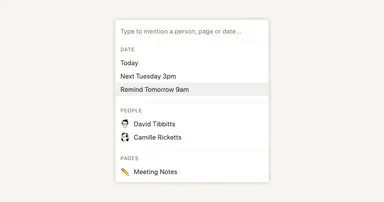
Reminders & @mentions
가이드
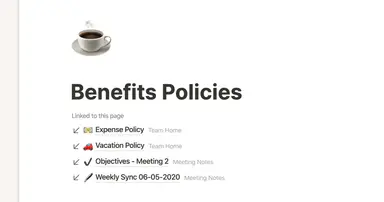
Creating links & backlinks
가이드
Creating a page
가이드
간단한 표 vs. 데이터베이스
가이드
Start with a template
가이드
Using database views
가이드
Calendar view databases
가이드
Table view databases
가이드
Board view databases
가이드
Gallery view databases
가이드
Full page vs. inline databases
가이드
Creating a database
가이드
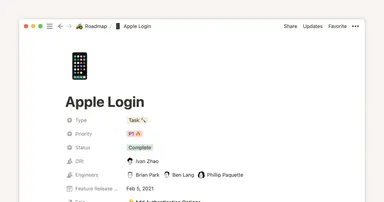
Database properties help organize your team’s information
가이드
차트를 사용해서 데이터를 시각화하고 Notion에서 곧바로 진행 상황을 트래킹하세요.
가이드
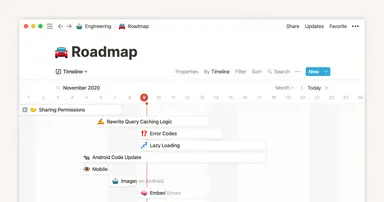
타임라인 보기로 팀의 성과 높이기
가이드
When to use each type of database view
가이드
Notion으로 기업 툴 생태계 업그레이드
가이드
Unleashing productivity with Notion's Slack integration
가이드
버튼 클릭 한 번으로 블록과 페이지 자동 생성
가이드
Writing & editing basics
가이드
How teams can use comments for better collaboration
가이드
Types of content blocks
가이드
팀을 위한 작업 공간, 팀스페이스
가이드
Bring live links into your Notion workspace with link previews
가이드
Connecting tools to Notion
가이드
What is Notion?
가이드
Automate work with repeating database templates
가이드
Getting started with page customization
가이드
Assign custom database permissions to make your life easier
가이드
Transforming content blocks in Notion
가이드
Using database templates
가이드
Using advanced database filters
가이드
Intro to Timeline view
가이드
How to create new pages as you type
가이드
Using linked databases
가이드
Using relation & rollup properties
가이드
Using slash commands
가이드
A Notion guide on switching between work and personal accounts
가이드
상태 속성으로 업무 진행 상황 파악하기
Powered by
Fruition